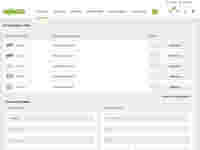
1. Finding samples
You can find the sample you need using the item number and the Search function, or in our lists of products. When you use the Search function or the product lists, activate the “Premium sample” filter to go directly to your samples. Items available as premium samples are indicated by the Link “Request sample” and the corresponding marking directly on the item image. This marking is at the top of the image of each item defined as a premium sample. Always at the same place.
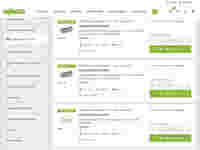
2. Ordering samples
After you have placed your samples on the sample list (maximum of 3 samples per item and maximum of 10 components per order), you only need to fill out the request form and send off your request. Registered users who are logged in do not need to fill out this form. Your data will be taken from your account and entered in the form directly.